Get the app

Butterbase on your phone.

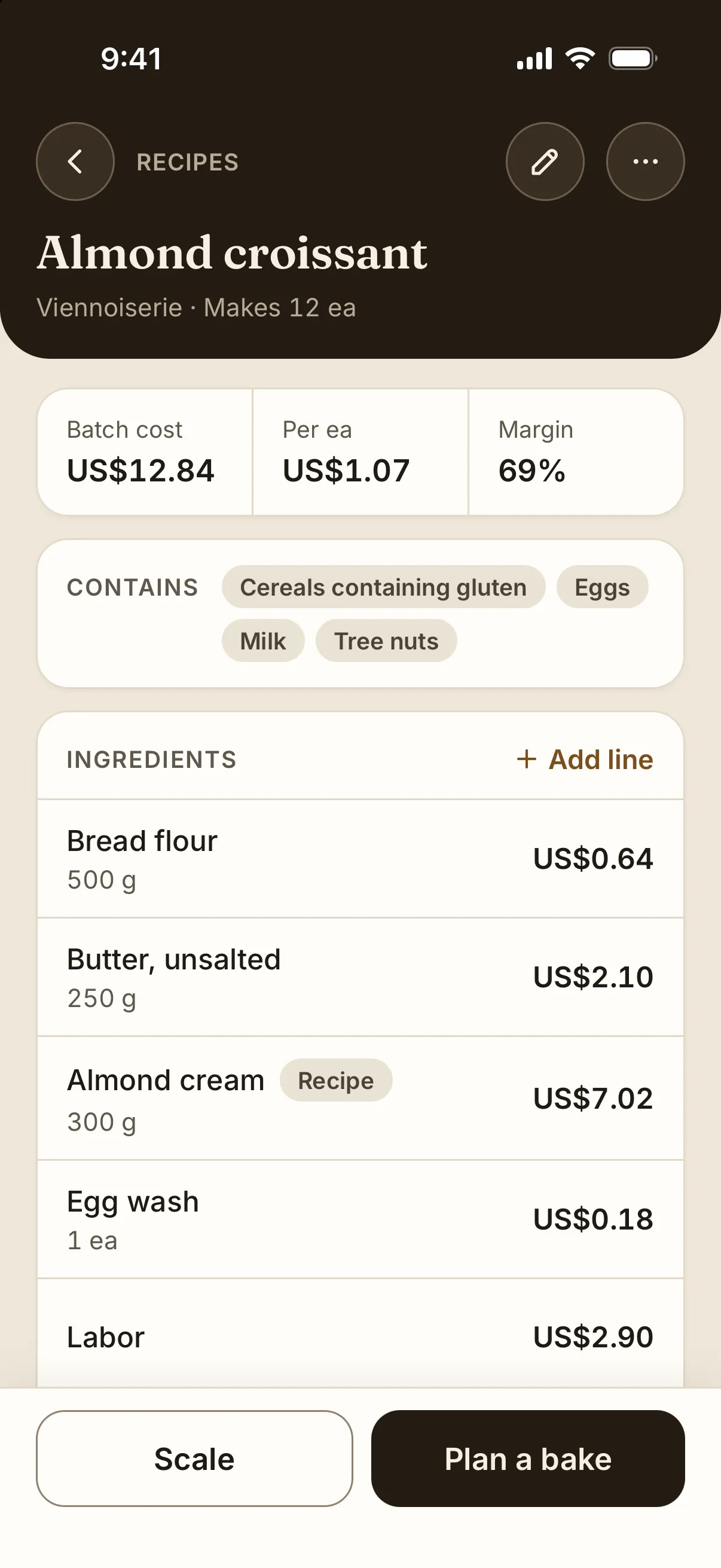
The same bakery as the web app, on iPhone and Android. Choose your phone below to install the app.

iPhone

The iPhone app is in beta. Apple's TestFlight app installs it and keeps it up to date.

Join the beta on TestFlight

Install Apple's TestFlight app first. Then open this link on your iPhone.

Android

The Android app is in a Google Play test. Google Play installs it and keeps it up to date. It needs Android 8.0 or newer.

Join the Google Play test
  1. Join the testers group with the Google account on your phone. The button above opens it.
  2. Open the Google Play test page and tap Become a tester.
  3. Tap "Download it on Google Play", then tap Install.

Can't use Google Play?

Download the app file directly from Butterbase and install it by hand.

Download the Android app file
  1. Open this link on your Android phone.
  2. When Android asks, allow your browser to install unknown apps.
  3. Open the downloaded file and tap Install.